For Permafrost Parking Zoo wolves not spawning, the current workaround is to clear nearby animals, then sleep and check again. First confirm that Parking Zoo has reached its hunting stage. The quest includes earlier workstation and crafting objectives, so a missing wolf encounter should be checked against the actual Journal instruction.
This workaround does not come with a confirmed sleep duration, spawn timer, or guarantee for every old save. Do not treat sleeping repeatedly as proof that wolves must eventually appear. Make a clear attempt, inspect the result, and preserve the save if the hunt remains blocked.
Data version: Numerical recipe or quest entries from MetaBot use its 0.44.2.4634-milestone export. This is a source reference, not confirmation that every entry remains available after later patches.
Confirm the Parking Zoo hunting objective is active
Parking Zoo is the Rat Queen's assignment connected with the Solar area. The preparation leads through collecting the Weapons Bench recipe, building the bench, crafting a weapon, and crafting ammunition before the animal objectives.
Read the Journal before searching the hunting area. If it still asks for a station or ammunition, complete that instruction and check whether the hunting stage appears. Collecting the workstation recipe is different from constructing the station, and owning ammunition is different from satisfying a crafting objective.
The relevant animal objectives are:
| Target | Required count or status |
|---|---|
| Wolves | 3 |
| Boars | 3 |
| Bear | Optional |
Check the wolf counter as well as the target name. If some kills already registered, record the current count rather than describing the entire encounter as absent. If wolves are present but kills do not change the objective, that is a registration failure rather than a spawn failure.
Do not turn the optional Bear into a prerequisite for finding Wolves. The displayed Bear objective is optional in this quest; focus on the required targets and your save's current instruction.
Finish any remaining equipment preparation
If the quest has not yet reached the hunt, return to the construction or crafting step that remains. The Weapons Bench requires 10 Iron Ingots. Prepare the required ingots, construct the bench in a valid building area, and then inspect the next objective.
Parking Zoo's ammunition stage is listed as 30 rounds of 9x19mm ammo. Compare that item name with your current Journal and the selected recipe before crafting. Rounds for another firearm should not be assumed to satisfy this specific ammunition instruction.
The quest also asks for a weapon. Use a recipe that the current game offers for that objective, and check whether crafting it advances the Journal. Do not spend another batch of materials on a second gun without first establishing which part of the preparation failed.
These checks belong here because a quest still waiting for crafting is different from a hunt that is active with no Wolves available. Once the hunting objective appears, stop adding unrelated equipment requirements to the diagnosis.
Clear nearby animals before sleeping
At the hunting area indicated by your active objective, inspect the surroundings and clear the nearby animals. This is the first part of the current workaround. It is more specific than leaving the area, waiting somewhere else, or repeatedly relaunching the game.
After clearing the nearby animals, sleep and return to inspect the hunting area again. There is no verified requirement here to sleep a particular number of hours, clear a specific radius, or stand at a hidden coordinate. Do not substitute invented values for the stated workaround.
Use the attempt as a sequence you can describe:
- Confirm the Parking Zoo wolf objective is active.
- Record its current counter.
- Inspect the marked hunting area and clear nearby animals.
- Sleep using an available sleeping interaction.
- Return and look for Wolves.
- Check whether any subsequent wolf kill advances the counter.
If sleeping is unavailable because your shelter is too cold, resolve the sleeping condition at the shelter before treating the workaround as completed. The attempt is not the same as waiting in a cold location without actually sleeping.
If Wolves still do not appear, record that result. Repeating the same cycle indefinitely does not establish that the spawn conditions are correct or that the save will recover.
Distinguish the wrong area from a missing spawn
Use the current Parking Zoo objective and its available marker as the route reference. A wolf encountered somewhere else does not by itself tell you whether you reached the intended hunt area. Likewise, an empty patch of snow is not proof of a global animal-spawn failure.
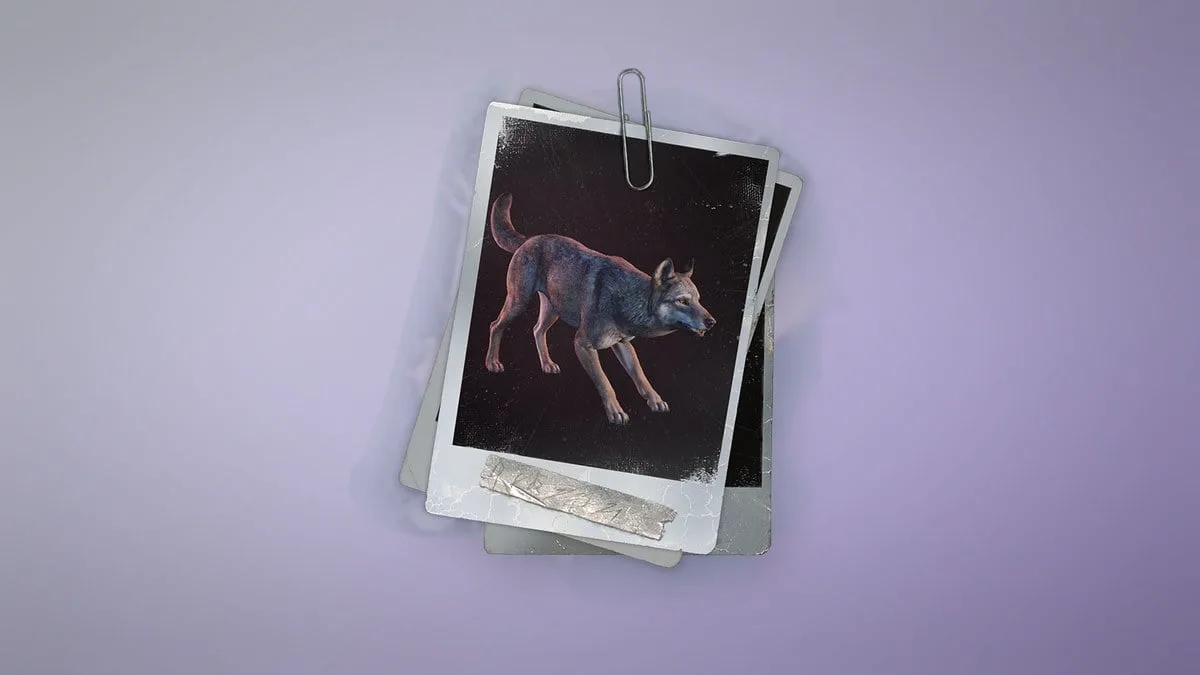
Target-identification reference only. This image does not show a Parking Zoo spawn location.
Look for the target actually named by the task. Nearby Boars and the optional Bear are relevant to the quest's broader hunt, but seeing one animal type does not prove that the Wolf part is working. Record which types are present after the clear-and-sleep attempt.
There are no confirmed exact wolf coordinates in this guide. Follow the active task's directions instead of traveling to a guessed point based on an unrelated wolf contract. Skinwalker's hunting challenges are separate assignments and should not be used as a replacement route for Parking Zoo.
If the task marker is absent as well as the Wolves, capture the Journal and map. That combines a navigation problem with the spawn report. It is more useful than claiming the spawn is broken while omitting that the current target area could not be identified.
Have the host lead the quest in co-op
Parking Zoo is a main quest, and the current guidance assigns main story steps to the host. Have the host inspect the quest stage and perform the remaining story interactions. Compare the host's wolf counter after the attempt.
If one player sees animals and another does not, record that difference. If Wolves are visible but the required kills are not credited, include who performed the kill and what the host's Journal showed afterward. Those details describe the actual failure without promising a particular fix.
Keep using the same saved world when testing. Moving the group to another host world changes the progression context and cannot demonstrate that the original Parking Zoo hunt has recovered.
Confirm the report-back stage after the hunt
After the required animal objectives are satisfied, return to the Rat Queen and complete the follow-up conversation. The end state is not simply that you saw or killed a Wolf. It is that the required counters register and the quest moves to the report-back stage.
If the wolf counter is complete but the task still remains on another required target, follow that remaining instruction. The optional Bear should still be treated according to the label in your Journal. Avoid interpreting every unfinished line as another wolf-spawn failure.
If the Rat Queen acknowledges the completed assignment, check the continuing objective before returning to Logan. That conversation closes the hunt's handoff; stopping immediately after the last animal kill can leave the follow-up interaction unfinished.
Report a hunt that remains blocked
If the hunting stage is active and the clear-nearby-animals-then-sleep attempt does not produce usable Wolves, preserve the save. There is no confirmed universal respawn command or guaranteed restart fix for this specific Parking Zoo problem.
Record the quest stage, wolf and boar counters, whether the Bear is marked optional, and what animals were present before and after sleeping. Include whether you are solo, host, or guest, and whether you can identify the intended hunt area.
Capture the Journal, the area, and the map location where the failure persists. Add your installed version or build if it is displayed, and provide the save and logs through the developer reporting process. This gives the investigation a clear distinction between no Wolves, missing markers, and kills that fail to register.
Sources and version notes
Sources checked: 12 October 2026. Verification labels refer to the cited documentation and its stated limits; this site has not independently tested these steps in the game. Compare the information with your installed build.
- Quest Issues & Workarounds (The Way Home and more) — Developer issue post. Scope: Skinwalker dialogue Space / host alone; out-of-order repairs or reward pickup can fail; base radio first.
- Parking Zoo – Quest Walkthrough (Permafrost) — Extracted game data. Scope: 30×9x19mm ammo objective rows; wolves3 / boars3 / bear optional; duplicated same ammunition row in source should not be summed as60.
- Professional Smelter – Recipes (Permafrost) — Extracted game data. Scope: QualityMetal Professional recipe2 IronIngots+2 Scrap,10s; building point cost0; does not establish two one-point material recipes.
- Permafrost Story Walkthrough: Main Quests in Order — Data and editorial guide. Scope: A New Beginning tools/fire/cabin/Rope; Feel The Heat Robyn Horizon; Dog Days bandage/raw meat in Bone Cave.
MetaBot recipe and quest data is attributed to 0.44.2.4634-milestone (Steam build 25834606). It describes that dataset; availability and requirements after later patches still need to be checked in your game.